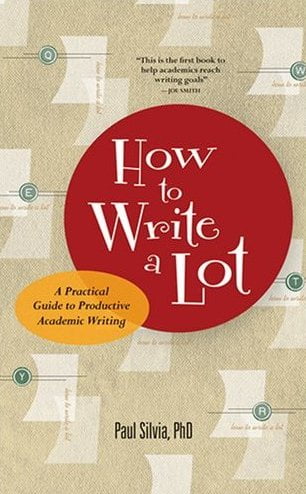
Although it certainly can be used otherwise, a progress tracking system like the one Paul Silvia suggests in his book How to Write a Lot seems to work best for writing that can be open ended: by following a regular writing schedule, projects can regularly and reliably come to completion. What happens, however, if one is working under a deadline (be it self-imposed or not) and, therefore, needs to develop a writing schedule backwards from this due date?
...
“How to Write a Lot”
Paul Silvia
Paul J. Silvia teaches psychology at the University of North Carolina, Greensboro. In How to Write a Lot: A Practical Guide to Productive Academic Writing, Silvia chiefly pleads with his readers to set aside specific, regular blocks of time for writing and to adhere steadfastly to this schedule ( 16–17). “The secret,” he says, “is the regularity, not the number of days or the number of hours [allotted for writing]” ( 13). Silvia argues that observing such a regular writing schedule will allow an author to produce better material more efficiently ( 1). “More efficiently” does not, of course, necessarily indicate that all academics should publish a large quantity of material; those whose interests lie elsewhere can still use a regular writing schedule to produce the quantity of literature that they wish. Thus, Silvia suggests that a more accurate title for the volume would be How to Write More Productively During the Normal Work Week with Less Anxiety and Guilt, but he humorously recognizes that such a title may well have inhibited book sales ( 130).
...
Zotero 2 Beta Launches
Zotero is a bibliographic and research management addin for the Firefox web browser. The latest test release, 2.0b3, succeeds Zotero 1.5b2.1 with some substantial improvements, particularly by increasing Zotero’s flexibility and usefulness for research collaboration among several, different Zotero users.
...
PDF Markup Tool
I recently found a thread on the Zotero forum that mentions the PDF XChange Viewer, which is supposed to allow users to markup PDF files.
Especially if you use Zotero, you may want to use PDF XChange as your default PDF browser plugin. After installing PDF XChange, you may still need to do the following: